




What if a faster app isn't about code, but psychology? Learn simple UX tricks to create the illusion of a blazing-fast web application.
#1about 3 minutes
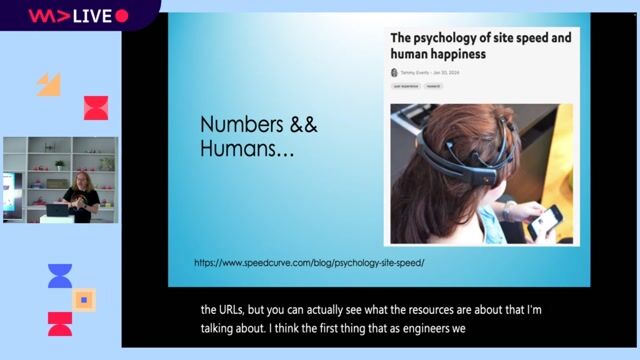
The psychology of perceived application speed
Understanding the human perception of time delays from 100 milliseconds to 10 seconds is key to building applications that feel fast.
#2about 3 minutes
Why enterprise teams choose the Angular framework
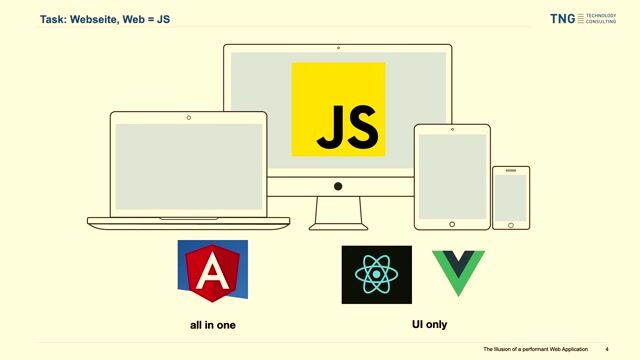
Angular is often selected for large applications because it provides an all-in-one package with a standardized architecture, despite common concerns about its bundle size.
#3about 3 minutes
How to measure web performance with browser tools
Use tools like Chrome DevTools and Google Lighthouse to diagnose performance bottlenecks and measure key metrics, but avoid over-optimizing for a perfect score.
#4about 2 minutes
Fixing layout shifts with a simple CSS trick
Prevent the common header-footer collapse and improve your layout shift score by setting a minimum height of 100vh on the body and HTML elements.
#5about 6 minutes
Improving initial load with shimmer animations
Combat the blank screen during initial load by adding a shimmer or skeleton animation directly into your index.html for a better perceived waiting experience.
#6about 5 minutes
Avoiding blocking JavaScript during app bootstrap
Prevent blocking the application's startup process by moving runtime configuration and localization out of the initial JavaScript execution path, favoring deploy-time or build-time alternatives.
#7about 2 minutes
Using non-blocking app initializers in Angular
Ensure tasks like analytics setup don't delay your application's launch by changing the return type of your Angular APP_INITIALIZER from a promise to void.
#8about 3 minutes
Enhancing runtime performance with CSS and UX
Mask slow backend operations by using CSS transitions on interactive elements, providing clear user feedback, and implementing optimistic updates.
#9about 1 minute
Loading costly data with parallel requests
Improve initial screen usability by loading essential data first and fetching computationally expensive or slow data in a separate, parallel request.
#10about 1 minute
Conclusion and key performance takeaways
Focus on perceived waiting time, customize your index.html with animations, avoid blocking JavaScript, and use optimistic updates to create the illusion of a faster application.
Related jobs
Jobs that call for the skills explored in this talk.
The HTML Elements That You’re Probably Over-EngineeringAs frameworks have become more and more commonplace in the world of web development, so too has the over-engineering of features made possible by our humble old friend, HTML.
The mental models that come with using state management in React, Vue and o...
Dev Digest 215: Agent Memory, JS2026, Googlebot Analysis & Canvas❤️HTMLInside last week’s Dev Digest 215 .
🗿 Make AI talk like a caveman
🧠 A guide to context engineering for LLMs
🤖 Simon Willison on agentic engineering
🔐 Axios supply chain attack post mortem
🛡️ Designing AI agents to resist prompt injection
🎨 HTML in c...